
What does this tool tell me?
Whether a 1688 product may be charged by size instead of actual weight, before you request a China shipping quote.
Check carton volume, volumetric weight, actual weight, and chargeable weight before you ask for a China shipping quote or pay a 1688 supplier.
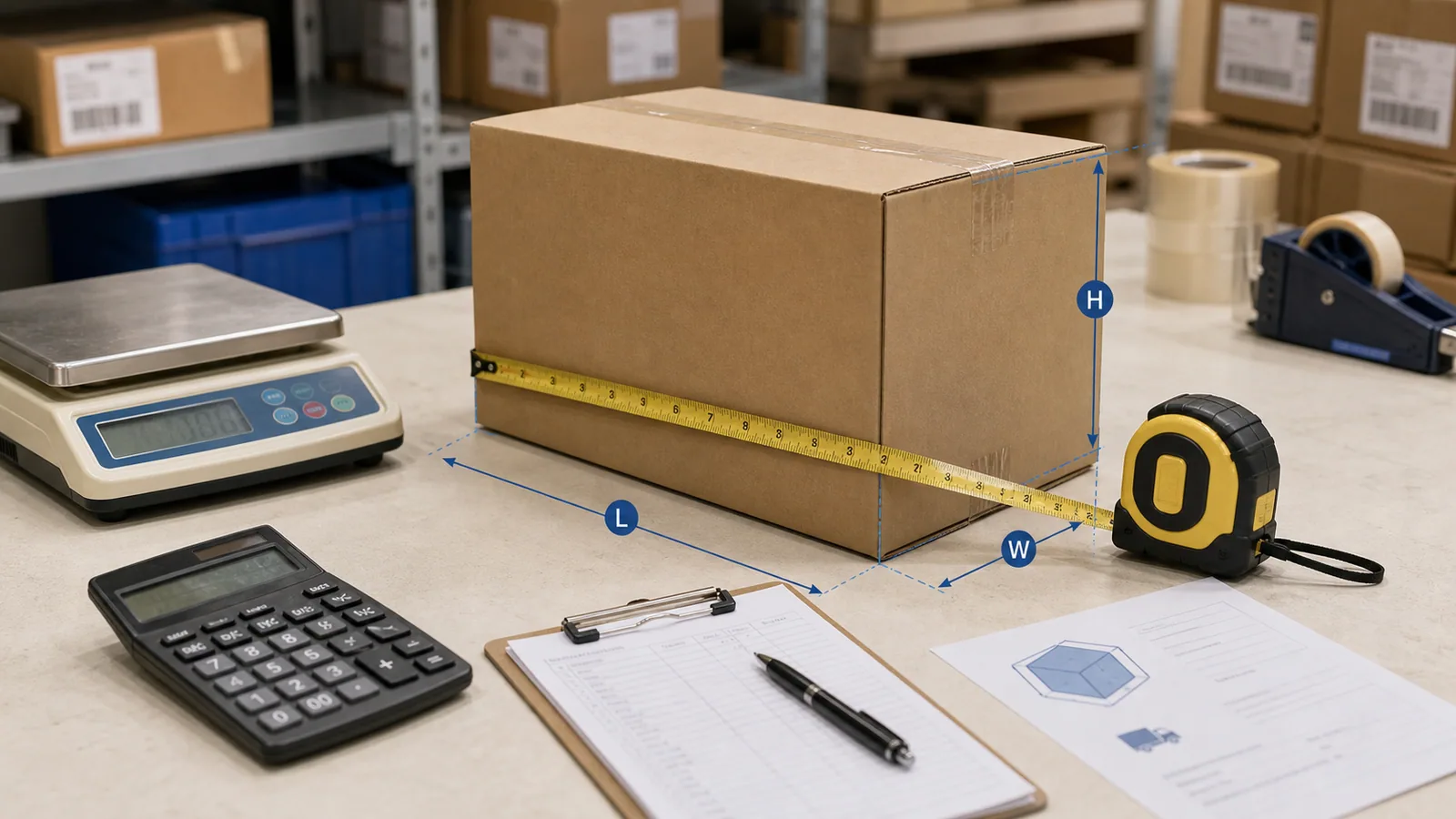
Shipping weight before quote
A low unit price can fail when carton size pushes the order into volumetric billing.
Inputs
Carton size, carton count, gross weight, shipping mode
Output
CBM, volumetric weight, chargeable weight, risk flag
Boundary
Final billing still depends on warehouse measurement and carrier rules
The tool
Enter your cartons and shipping mode. The calculator flags when an order is likely billed by size instead of weight.
Free, no sign-up. Results update live as you type.
Shipping mode
Carton dimensions (cm)
Length
Width
Height
Carton count
Gross / carton (kg)
Container
Charged by CBM (volume), not volumetric weight
Total CBM
28.8 m³
Chargeable wt
4500 kg
Volumetric wt
28.8 kg
Actual wt
4500 kg
Quick answer
The useful output is not just a number. It shows what changes the decision and what to do before supplier payment.
Whether a 1688 product may be charged by size instead of actual weight, before you request a China shipping quote.
Carton dimensions, gross weight, carton count, the shipping mode divisor, route rules, and the final warehouse measurement.
If the result looks bulky or low-confidence, submit the product link, destination, and packing data for a shipping readiness check before paying.
Best fit
Strongest for large, light, fragile, multi-carton, or small-batch 1688 products where packed size matters as much as unit cost.
Find products where volume, not weight, drives freight cost.
Check whether a sample or first order is shipping-heavy.
Prepare carton data before sending goods to a warehouse.
Compare CBM and chargeable weight before picking a route.
Expose when listing dimensions are not quote-ready.
Feed shipping weight into the landed-cost decision.
Workflow
Carton dimensions, carton count, gross weight, and destination.
CBM, volumetric weight, actual weight, and the chargeable basis.
Light-bulky, sensitive cargo, missing measurement, or route divisor risk.
Warehouse measurement and carrier/route rules before quote approval.
Use measured package data in landed cost and shipping readiness.
Risk boundaries
A large, light carton can bill higher than its actual weight.
Shows the chargeable basis and a light-bulky flag.
Express, air, and sea carriers use different divisors.
Lets you switch shipping mode and treats the divisor as a planning rule.
Battery, liquid, powder, or magnet signals can change route availability.
Routes these to a manual shipping check.
Supplier estimates may not match the packed goods.
Keeps quote confidence low until cartons are measured.
FAQ
CBM means cubic meter. For a carton it is length × width × height in centimeters divided by 1,000,000, then multiplied by carton count.
Volumetric weight is a shipping weight based on package size. Carriers may charge the higher of actual weight and volumetric weight.
Use the divisor as a planning assumption. Express and air routes often use different divisors, and the final divisor depends on carrier, line, route, and quote terms.
Final quotes may use measured carton size and actual gross weight, not supplier listing estimates. Repacking can also change carton size and protection.
No. It calculates shipping-readiness metrics and risk flags. It does not guarantee freight price, carrier acceptance, route availability, customs clearance, or delivery time.
Submit the product link, keyword, or image clue, destination country, carton dimensions, carton count, gross weight, shipping preference, and any battery or restricted-goods signal.
Related pages
Send the product link, destination, carton data, and gross weight. Supplymo turns the CBM result into a practical route and cost decision before assisted ordering.